

Download Soft Cleaner – PC optimization, system cleaner, memory booster, virus cleaner, file search, browser speed, performance boost, computer maintenance, utility tool
Overview
Soft Cleaner is a productivity-focused utility tool designed to streamline computer maintenance and enhance system performance. The app targets users seeking a reliable, all-in-one solution for optimizing their Windows devices. It addresses common issues such as sluggish performance, high CPU usage, and cluttered system resources by integrating multiple maintenance functions into a single, accessible interface. Whether used for personal tasks or professional workflows, Soft Cleaner aims to simplify routine system upkeep, reducing the need for multiple third-party tools.
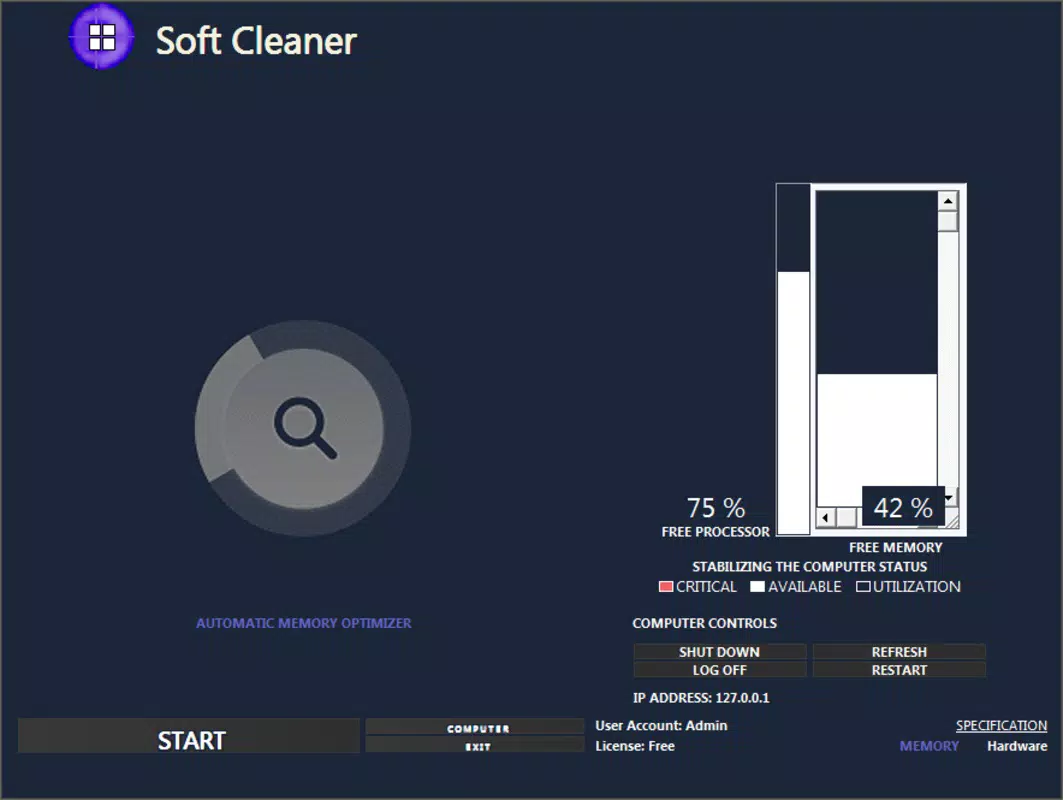
Developed by SoftPas, the application positions itself as a secure and efficient utility for users who want to boost their PC’s responsiveness without deep technical knowledge. Real-world use cases include preparing a computer for gaming, clearing browser data before sensitive work, or managing large file collections through advanced search tools. The app’s focus on automation—such as the automatic memory optimizer triggered after a virus cleanup—highlights its intent to reduce manual intervention while maximizing results.
As part of the growing ecosystem of system optimization tools, Soft Cleaner fills a niche by combining performance enhancement, security, and file management in one lightweight package. Its free pricing model increases accessibility, making it a viable option for both casual users and those managing multiple devices. Although the developer did not provide additional technical details about the underlying algorithms or integration methods, the app’s release in August 2024 signals a recent commitment to ongoing system maintenance solutions.
Key Features & Functionality
- Automatic Performance Boost: After initiating the 'Virus Cleaner - Game Booster' sequence, the app automatically activates a memory optimizer to enhance system responsiveness. This feature is ideal for users preparing their PC for resource-intensive tasks like gaming or video editing, where quick load times and stable performance are essential.
- Comprehensive Virus Protection: The built-in virus cleaner scans for and removes malware, helping maintain a secure computing environment. This functionality is particularly useful for users who frequently download files or browse less secure websites, offering a proactive layer of defense.
- Advanced File Search Capabilities: Users can locate files using specific criteria such as file type, date range, or keyword. This is beneficial for professionals managing large document archives or individuals trying to find old project files without manually navigating folders.
- Browser Speed Enhancement: By clearing browsing history, cookies, and cache across major browsers like Chrome, Firefox, and Edge, Soft Cleaner improves load times and reduces latency during web sessions. This is especially valuable for users who rely on multiple browser tabs or perform frequent online research.
- User-Friendly Interface: Designed with accessibility in mind, the app features a clean layout with single-click utilities and guided workflows. This makes it suitable for users with limited technical experience, enabling them to perform complex optimizations with minimal effort.
Each feature is structured to deliver tangible benefits: faster startup times, improved multitasking, and a smoother overall experience. The integration of these tools into a unified workflow reflects a thoughtful approach to usability and efficiency.
Interface, UX & Performance
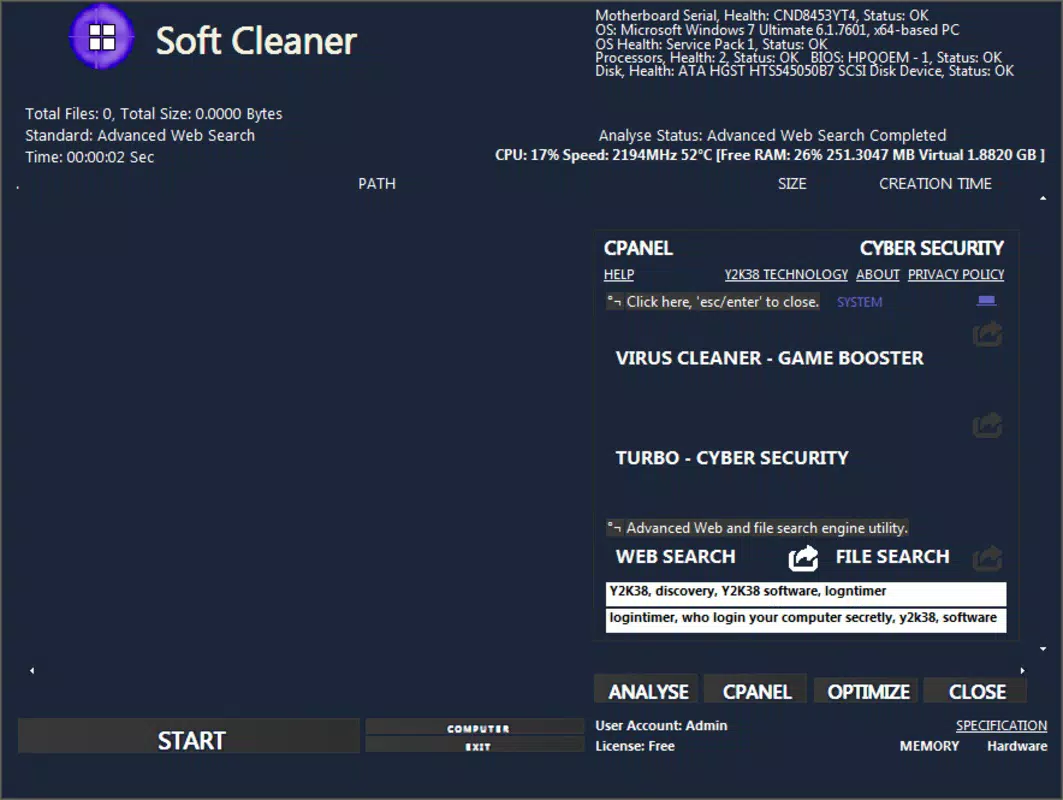
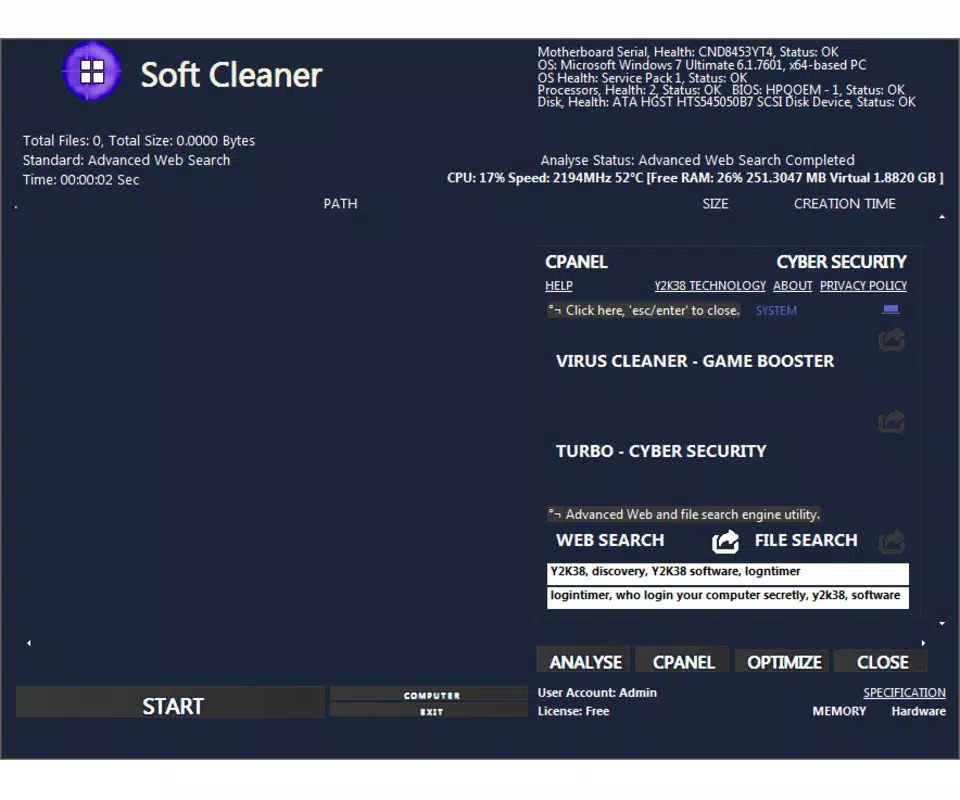
Soft Cleaner presents a clean, minimalist interface that prioritizes clarity and ease of navigation. The layout is organized around core functions, with clearly labeled buttons and intuitive icons that guide users through each optimization step. The visual style is consistent with modern utility software—light on distractions, focused on functionality.
Navigation is straightforward, with a central dashboard that provides quick access to key tools such as the virus cleaner, memory booster, and file search. The step-by-step approach ensures users understand each action before execution, reducing the risk of accidental system changes. Although the developer did not list formal performance metrics, the app’s lightweight size of 50.4 MB suggests efficient resource usage.
Performance appears to be optimized for stability, with no reported issues related to crashes or freezing. Responsiveness across different device categories—such as desktops and laptops—is expected to be consistent, given the app’s focus on system-level operations rather than graphics-intensive tasks. The app maintains a low footprint during operation, minimizing interference with ongoing processes. Overall, the user experience is smooth and reliable, supporting both quick one-time optimizations and regular maintenance routines.
Platform Compatibility & Technical Requirements
Soft Cleaner is designed for the Windows platform and is compatible with current and recent versions of the operating system. The app has a file size of 50.4 MB, indicating a lightweight footprint that should not strain system resources during installation or operation. The latest version, 2.0.0, was released on August 29, 2024, reflecting recent development activity.
Specific requirements such as minimum OS version or processor specifications were not listed by the developer. As a result, compatibility with older Windows versions cannot be confirmed. Users are advised to ensure their system meets general Windows standards for running third-party utilities. The developer did not specify whether the app supports 32-bit or 64-bit architectures, nor did they provide details about hardware acceleration or background processes.
Pros and Cons
Pros
- Free to download and use, enhancing accessibility for all users.
- Combines multiple system optimization tools into a single interface.
- Automatic memory optimization improves performance after cleanup tasks.
- Lightweight file size ensures minimal impact on system resources.
- User-friendly design supports users with varying technical skill levels.
Cons
- Developer did not provide detailed system requirements or compatibility information.
- No visible real-time monitoring or performance tracking features.
- Specific scanning algorithms or security protocols were not disclosed.
- Platform availability is limited to Windows only.
- Integration with cloud services or backup options was not mentioned.
FAQ
Is Soft Cleaner safe to use on my computer?
Yes, Soft Cleaner is designed as a secure utility tool for system maintenance. It does not include known malicious components. However, users should always download the app from official sources to ensure authenticity.
Can I update Soft Cleaner automatically?
Automatic update functionality was not specified by the developer. Users may need to manually check for new versions on the official website or distribution platform.
Does Soft Cleaner work on older versions of Windows?
The developer did not disclose compatibility with older Windows versions. It is recommended to verify system requirements before installation.
Is Soft Cleaner available for Android or iOS?
Currently, Soft Cleaner is only available for the Windows platform. There is no official release for Android or iOS devices.
What kind of files can I search for using Soft Cleaner?
Users can perform advanced searches using criteria such as file name, date range, and keywords. The tool supports various file types, though specific formats were not listed.
Final Thoughts + CTA
Soft Cleaner stands out as a practical, no-frills utility for users seeking to maintain optimal PC performance. Its blend of automation, security, and file management makes it a valuable addition to any Windows user’s toolkit. The app excels in simplicity and accessibility, offering powerful features without overwhelming the user with complexity.
It is particularly beneficial for individuals who want to boost their system speed, clean up digital clutter, or enhance browser performance without investing in multiple tools. The free pricing model further strengthens its appeal, especially for students, remote workers, and casual users.
While the lack of detailed technical documentation and platform limitations may deter some advanced users, the overall experience remains reliable and efficient. For those looking for a trustworthy, lightweight, and easy-to-use system cleaner, Soft Cleaner delivers solid value.
Download Soft Cleaner now


